The Silkland 54Gbps 16K DisplayPort Cable 2.1 review centers on a long, braided cable built for high-resolution, high-refresh monitor connections. Its appeal depends on whether your graphics card and display support the modes you want to use.
Silkland S1303 Cable Review Summary
The quick verdict
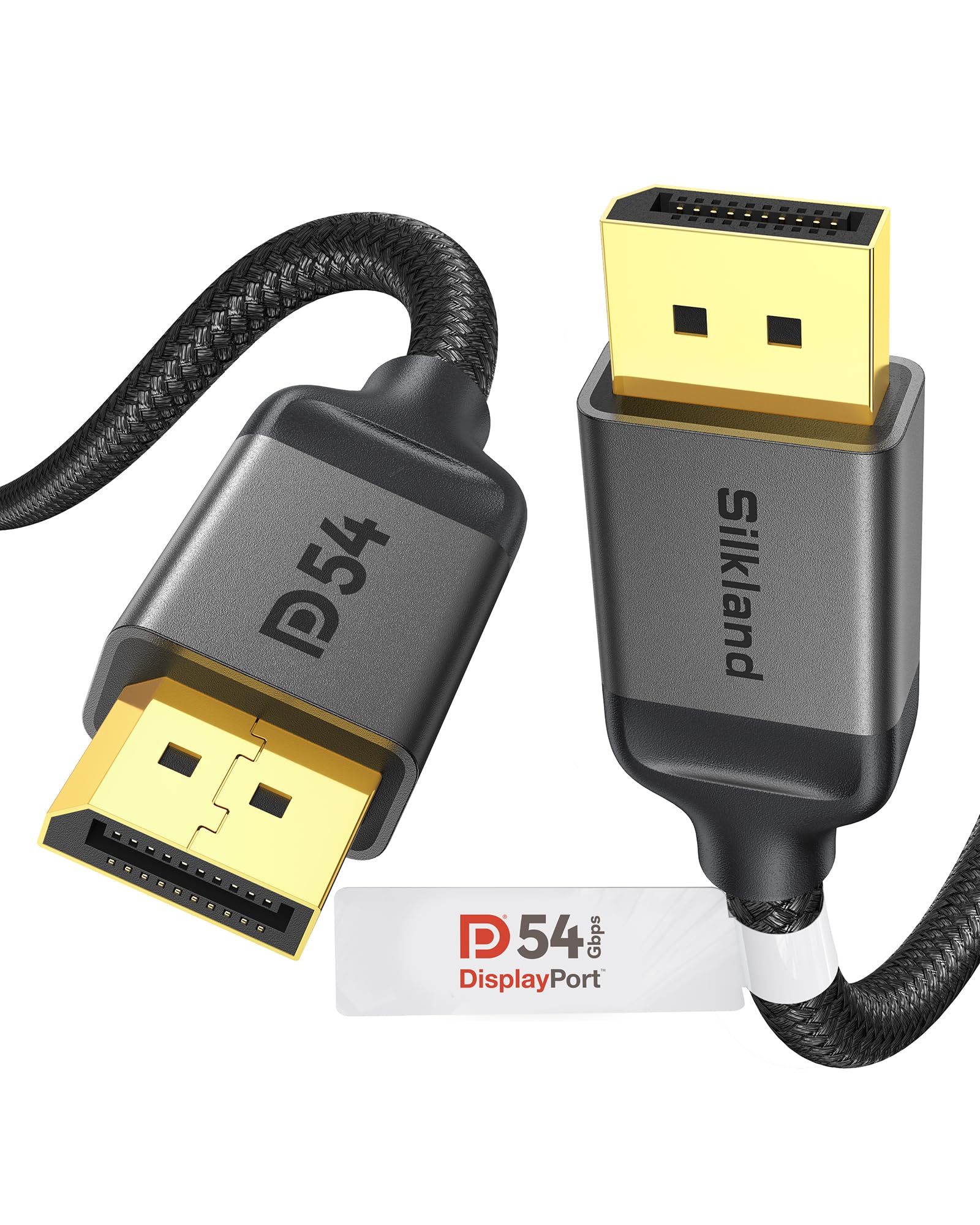
7,000+ ratings
Read Amazon ReviewsSilkland S1303 DisplayPort Cable
A 10-foot DisplayPort cable for gamers and desktop users who want flexible monitor placement and support for high-refresh displays.
- 10-foot DisplayPort-to-DisplayPort cable with male connectors.
- Supports up to 16K at 60Hz with DSC, 8K at 120Hz, 4K at up to 240Hz, and 2K at 360Hz.
- Supports 54Gbps bandwidth, HBR3, DSC 1.2a, Dynamic HDR, and HDCP 2.2.
- Backward compatible with DisplayPort 2.0, 1.4, 1.3, 1.2, 1.2a, 1.1, and 1.0.

Pros
- Long 10-foot reach can make it easier to route a connection around a desk or monitor stand.
- Broad listed resolution and refresh-rate support gives high-end display setups room to use demanding modes when the source and monitor allow them.
Consider before buying
- The advertised maximum display modes depend on the graphics card, monitor, and supported features such as DSC; the cable alone cannot establish the final mode.
- A 10-foot cable may leave excess length in a compact setup where the computer and display sit close together.
Read the full review summary
The Silkland S1303 is a 10-foot, male-to-male DisplayPort cable with a braided exterior, triple shielding, and support for DisplayPort 2.1 and earlier versions.
Its listed display modes reach up to 16K at 60Hz with DSC, alongside options such as 8K at 120Hz, 4K at up to 240Hz, and 2K at 360Hz.
That makes it a candidate for a gaming or workstation setup where the cable needs to span a desk or route around equipment.
The headline modes depend on the connected devices and supported features, so check your graphics card, monitor, resolution, and refresh-rate requirements before choosing it.
The buying factors
Silkland S1303 Cable Scorecard
Editorial scores reflect listed features and buyer fit; they are not laboratory measurements or customer ratings.
Display mode range
The listed modes cover high resolutions and refresh rates, including up to 16K at 60Hz with DSC.
Cable reach
At 10 feet, it offers more placement flexibility than a short cable, though the extra length may be unnecessary for nearby devices.
Gaming features
The product supports G-Sync, FreeSync, Adaptive-Sync, and multi-stream transmission when the connected setup supports them.
Build design
A nylon braid, tinned-copper conductors, triple shielding, and a latch-free connector design suit frequent routing and unplugging.
Device compatibility
It connects DisplayPort-equipped computers and monitors and is backward compatible with several earlier DisplayPort versions.
Setup certainty
The range of supported modes is useful, but buyers need to match the cable's capabilities to the source and display to know what their setup can deliver.
Key Features and Specifications of Silkland S1303 Cable
- 10-foot DisplayPort-to-DisplayPort cable with male connectors.
- Supports up to 16K at 60Hz with DSC, 8K at 120Hz, 4K at up to 240Hz, and 2K at 360Hz.
- Supports 54Gbps bandwidth, HBR3, DSC 1.2a, Dynamic HDR, and HDCP 2.2.
- Backward compatible with DisplayPort 2.0, 1.4, 1.3, 1.2, 1.2a, 1.1, and 1.0.
- Supports G-Sync, FreeSync, Adaptive-Sync, and multi-stream transmission.
- Braided exterior, 28 AWG tinned-copper conductors, triple shielding, and 24K gold-plated connectors.
- Latch-free plug with a groove design intended to make removal easier in confined spaces.
Pros and Cons of Silkland S1303 Cable
Pros
- Long 10-foot reach can make it easier to route a connection around a desk or monitor stand.
- Broad listed resolution and refresh-rate support gives high-end display setups room to use demanding modes when the source and monitor allow them.
- Compatibility with earlier DisplayPort versions can help connect newer cable hardware to older DisplayPort equipment.
- The braid, shielding, and latch-free connector design address cable handling and access considerations.
Consider before buying
- The advertised maximum display modes depend on the graphics card, monitor, and supported features such as DSC; the cable alone cannot establish the final mode.
- A 10-foot cable may leave excess length in a compact setup where the computer and display sit close together.
- It is a DisplayPort-to-DisplayPort connection, so both devices need compatible DisplayPort ports.
Who Should Buy Silkland S1303 Cable?
Good fit
Consider the Silkland S1303 if your computer and monitor both use DisplayPort and you need a 10-foot run.
Its length suits setups where the tower sits under or beside a desk, or where the cable needs to follow a longer route to the display.
It is also worth considering for a high-refresh gaming monitor when you have confirmed the source and display support the resolution and refresh rate you plan to use.
Check whether that mode requires DSC and verify the relevant support on both devices before relying on a maximum listed mode.
The shielding, braid, gold-plated connectors, and latch-free plug add practical design details for users who reposition or unplug their monitor. Those features may suit a frequently adjusted setup, while the 24-month service period provides a stated support window.
Who should skip it
Skip it if either device lacks a DisplayPort connection or you need a cable for a different connector type.
A shorter cable may be a better fit when the devices sit close together and extra length would complicate routing.
Also choose based on your actual display mode rather than assuming the cable will make every advertised maximum available.
What the Silkland S1303 Cable Means for a Display Setup
Display modes depend on the whole system
The cable lists high-end combinations such as 4K at up to 240Hz and 16K at 60Hz with DSC. These are supported-use targets, not a promise that every connected system will reach them.
Match the intended mode against the graphics card and monitor specifications, including whether DSC is supported where needed.
Ten feet gives routing flexibility
A 10-foot run can help when the computer is not directly beside the monitor or when the cable needs to travel around furniture.
Measure the route and allow enough slack for the display's position before buying; a longer cable can be cumbersome when the equipment is close together.
Build details support everyday handling
The nylon braid, 28 AWG tinned-copper conductors, triple shielding, and gold-plated connectors describe a cable designed with durability and interference resistance in mind.
The latch-free plug avoids a release mechanism, and the groove is intended to help with removal in tight spaces. These design choices matter most when cable access and repeated handling are part of the setup.
Check ports and sync support
This is a male-to-male DisplayPort cable for DisplayPort-equipped computers and monitors.
The product also lists G-Sync, FreeSync, Adaptive-Sync, and multi-stream transmission support; confirm the particular feature is supported by your display and graphics hardware before treating it as part of your setup.
Alternatives to Silkland S1303 Cable
One useful alternative is included because the supplied option offers a distinct short-cable, higher-bandwidth design for the same DisplayPort connection need.
Computer DisplayPort Cables alternative
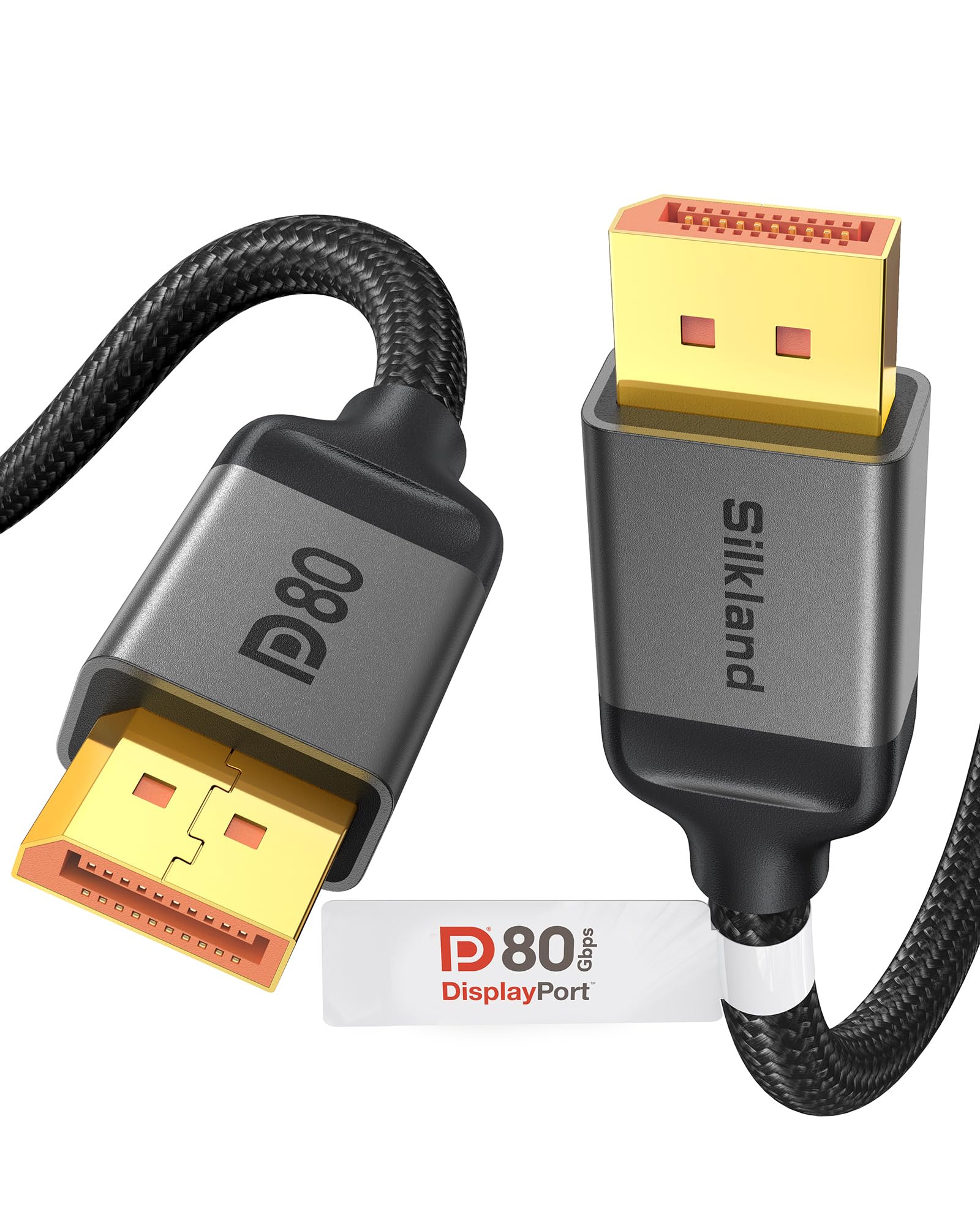
2,000+ ratings
Read Amazon ReviewsSilkland DP80 80Gbps DisplayPort Cable, 1.6 ft
Choose the S1303 when you need a longer cable run. Consider the DP80 when a very short connection and its higher listed bandwidth fit your setup, after checking that both devices support the modes and features you want.
- The DP80 is a 1.6-foot cable with 80Gbps bandwidth.
- It lists uncompressed 4K at 240Hz, 8K at 60Hz, and 2K at 540Hz, plus up to 16K at 60Hz and 8K at 240Hz with DSC.
- The S1303 is a 10-foot cable with listed bandwidth of 54Gbps and modes including up to 4K at 240Hz.
Is Silkland S1303 Cable Worth It?
The Silkland S1303 is worth considering when you need a 10-foot DisplayPort cable for a gaming or desktop monitor setup. Its listed high-refresh modes, backward compatibility, and handling-focused construction make it a versatile option on paper.
Before buying, confirm the ports, cable route, and desired display mode against your graphics card and monitor. The cable can carry a supported connection, but the final resolution and refresh rate depend on the entire setup.
Your review at a glance
7,000+ ratings
Read Amazon ReviewsSilkland S1303 DisplayPort Cable
A 10-foot DisplayPort cable for gamers and desktop users who want flexible monitor placement and support for high-refresh displays.
- 10-foot DisplayPort-to-DisplayPort cable with male connectors.
- Supports up to 16K at 60Hz with DSC, 8K at 120Hz, 4K at up to 240Hz, and 2K at 360Hz.
- Supports 54Gbps bandwidth, HBR3, DSC 1.2a, Dynamic HDR, and HDCP 2.2.
- Backward compatible with DisplayPort 2.0, 1.4, 1.3, 1.2, 1.2a, 1.1, and 1.0.